By Wren Calloway Fact-checked by Hugo Lindgren Published
BUILD
Build of the week
What it is
WaterLens is a water-quality monitor built by Thomas Vikström, who published the full write-up on Hackster.io. In his words, it tests whether a small, relatively inexpensive device could help communities monitor local water sources using several sensors and Edge AI. It runs on an Arduino UNO Q and flags readings that look unusual compared with the water it already knows.
How it works
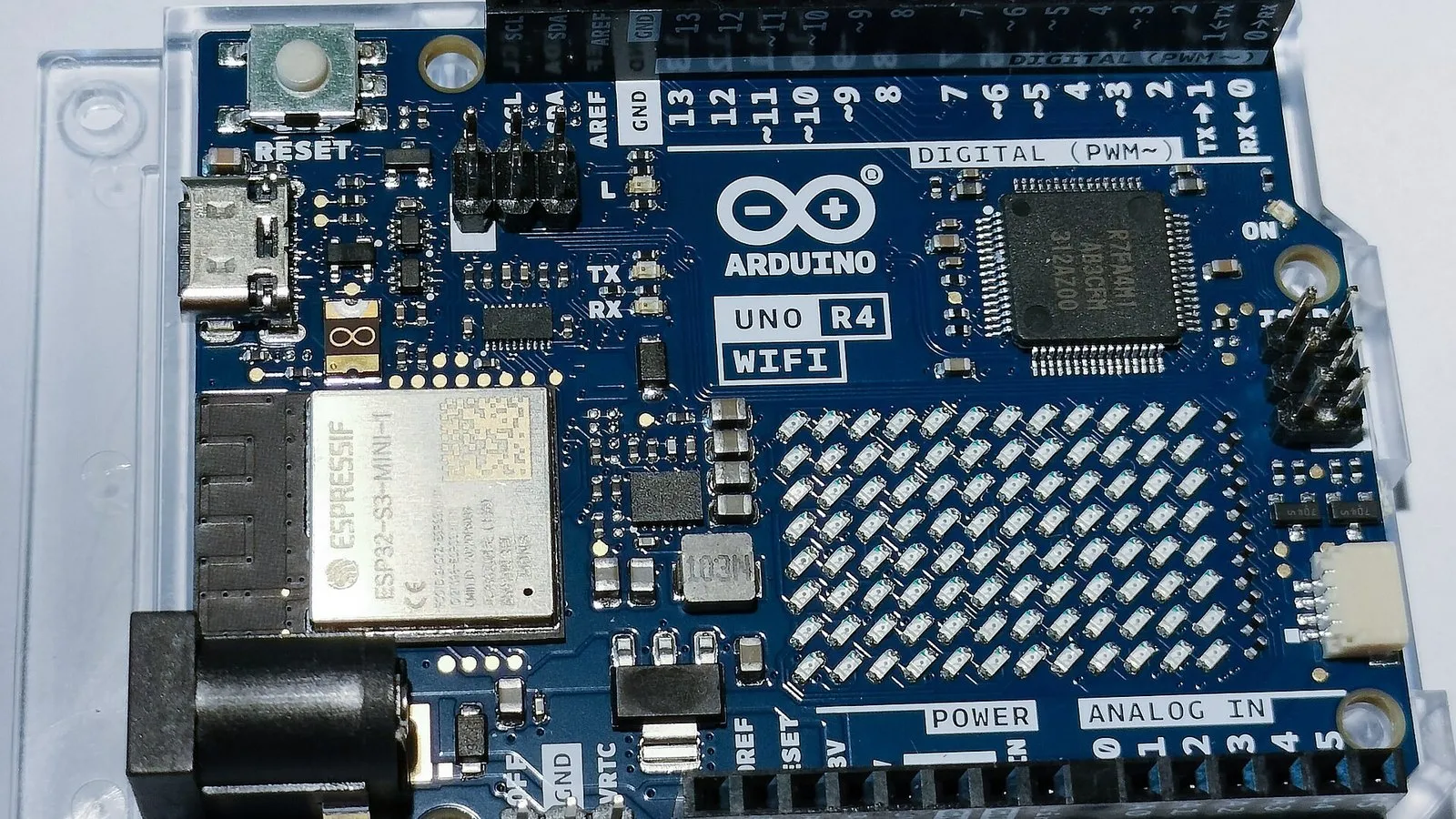
Board. According to Vikström’s Hackster.io write-up, the build runs on an Arduino UNO Q.
Sensors. The write-up lists four water sensors:
- pH, for how acidic or alkaline the sample is
- ORP (oxidation-reduction potential)
- Turbidity, for how cloudy the sample is
- TDS (total dissolved solids)
Motors. The write-up doesn’t describe any motors or moving parts. This is a sensing build.
The models. WaterLens uses two Edge Impulse models, and both run locally on the UNO Q:
- A multiclass classifier that sorts readings into sample groups.
- An anomaly model trained on tap-water measurements. It learns what the local tap water normally looks like, then flags readings that don’t fit.
Because both models run on the board, the device doesn’t need to send data to a cloud service to make a call. Hackster.io’s news coverage reports that Arduino added full Edge Impulse integration to App Lab, so Edge Impulse models can be deployed straight to the UNO Q. That is the route that makes a setup like this practical.
What it does and doesn’t tell you. WaterLens does not label water safe or unsafe. Vikström’s write-up says it compares sample groups and flags anomalies against a learned local reference. It also notes that a higher TDS reading on its own does not mean the water is contaminated or unsafe. Treat a flag as “this is different from your baseline, look closer.” It is not a verdict.
Dashboard. The device keeps a local access point running until you stop it. That keeps a dashboard reachable on the local network, so you can check readings from a phone or laptop nearby.
Parts list
The sources we reviewed did not include a full bill of materials, part numbers or prices. The table covers the parts the write-up confirms. Check the original Hackster.io page for exact models and costs.
| Part | Role | Rough price |
|---|---|---|
| Arduino UNO Q | Main board; runs both Edge Impulse models and hosts the dashboard | See original write-up |
| pH sensor | Measures acidity/alkalinity | See original write-up |
| ORP sensor | Measures oxidation-reduction potential | See original write-up |
| Turbidity sensor | Measures cloudiness | See original write-up |
| TDS sensor | Measures total dissolved solids | See original write-up |
| Wiring, power, enclosure | Connects and houses everything | See original write-up |
How to build your own
Difficulty: The write-up we reviewed doesn’t give a rating. Our read: this suits intermediate makers. The wiring is simple, but the machine-learning side takes some patience.
Time: No estimate was given. Plan for data collection to take the most time, because the anomaly model needs a solid baseline of normal readings.
Skills that help:
- Wiring analog sensors to an Arduino-style board
- Basic familiarity with Arduino App Lab
- Using Edge Impulse to collect data, train a model and deploy it
- Care with water sensors, which need cleaning, rinsing between samples and, for pH, regular calibration
Steps at a high level:
- Wire up the sensors. Connect the pH, ORP, turbidity and TDS sensors to the UNO Q and confirm each one gives sensible readings.
- Build a baseline. Collect plenty of measurements from your reference water. In WaterLens, that was tap water.
- Train two models in Edge Impulse. Train a multiclass classifier for your sample groups and an anomaly model on the baseline data.
- Deploy to the UNO Q. Use App Lab’s Edge Impulse integration so both models run on the board.
- Set up the dashboard. Run the local access point and confirm you can reach the dashboard from another device on the network.
- Test and interpret carefully. Try known samples and watch what gets flagged. Remember that a flag means “different from baseline,” not “unsafe.”
For the exact wiring, firmware and code, follow Vikström’s original write-up. The sources we reviewed did not link a code repository.
What we would change
- Publish a parts list with prices. A cost table would make it easier for community groups to judge whether the “relatively inexpensive” goal holds up for them.
- Add a calibration routine to the dashboard. pH and ORP probes drift over time. A guided “calibrate now” step would help non-specialists keep readings trustworthy.
- Support more than one baseline. The anomaly model learns from local tap water. A simple way to save and switch between baselines, such as tap, well and stream, would make it more useful across sources.
- Explain flags in plain language. The project is careful not to call water safe or unsafe, which is the right call. A short note beside each flag about which sensor moved, and by how much, would help users decide what to do next.
If you want to compare approaches, two other UNO Q water projects are worth a look. Smart Water Guardian AI on Hackster won the RS DesignSpark “Prove it” Arduino UNO Q challenge. AquaWatch, covered by Electronics For You, is a LoRaWAN edge-AI monitor aimed at rural India. Both are separate builds from WaterLens.
Credit
WaterLens was designed and built by Thomas Vikström. The original write-up, with the full details, is on Hackster.io. We didn’t build this one; we’re just glad to point you to it.
Notes on this article
- Fact-checked by Hugo Lindgren before publication.
- Published
Fact-checking
- Every claim is checked by Hugo Lindgren; anything we cannot confirm is corrected, labelled or removed.