
Maker lab
Arduino, Raspberry Pi, ESP32 and Robot Projects
Artoo Maker Lab is an independent site for people who build things with microcontrollers, single-board computers and motors. We publish hands-on projects, honest hardware explainers and troubleshooting guides covering Arduino, Raspberry Pi, ESP32 and hobby robotics. The site serves first-time tinkerers wiring up their first LED as well as seasoned makers chasing a stubborn I2C bug.
19
Guides published
5
Free maker tools
4
Boards in the pinout explorer
10
Project sections
Component of the Day
60 parts in rotation
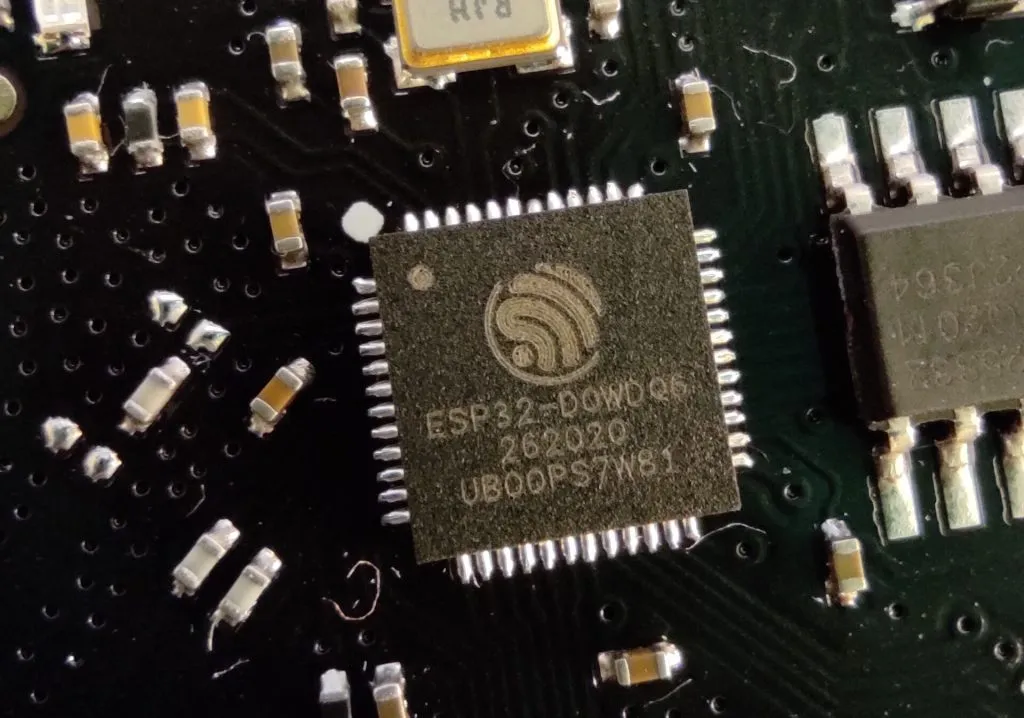
Wi-Fi and BLE module
ESP32-C3-MINI-1 module
A compact Espressif module built on the ESP32-C3 single-core RISC-V SoC clocked up to 160 MHz, with flash inside the package and a PCB antenna.
What makers use it for
- Small battery Wi-Fi sensors
- BLE beacons and remotes
- Matter and Home Assistant devices
Maker tip
Wire IO18 and IO19 to a USB connector and you can flash and debug without a USB-serial chip. Keep copper and metal away from the antenna end of the module.
Key specs
- Supply voltage
- 3.0 to 3.6 V
- Memory
- 400 KB SRAM, 4 MB in-package flash (typical, 8 MB variant exists)
- Radio
- 2.4 GHz Wi-Fi 802.11b/g/n plus Bluetooth 5 LE
- GPIO
- 15, up to 6 12-bit ADC channels
- Size
- 13.2 x 16.6 x 2.4 mm
Pins
3V33.3 V supplyGNDgroundENchip enable, high to runIO9boot strap, low at reset enters download modeIO2 and IO8strapping pins, check their state at bootIO18 and IO19USB Serial/JTAG (D- and D+)RXD0 and TXD0UART0 (GPIO20, GPIO21)IO0 to IO4ADC1 inputsIO5 to IO7 and IO10general GPIO
Typical values from manufacturer datasheets and distributor listings. Boards and clones vary, so check the datasheet for your exact part.
Try a tool right here
All toolsOhm’s law calculator
- GPIO pinout explorerRaspberry Pi, Pico, ESP32 and Arduino Uno pins, tap by tap.
- Ohm's law calculatorVoltage, current, resistance and power from any two values.
- Resistor colour code4, 5 and 6 band resistors, both directions.
- LED resistor calculatorThe right resistor for any LED and supply.
- Binary and hex converterDecimal, binary, hex and octal side by side.
Which board should you pick for your project?
Arduino, ESP32 and Pico boards are microcontrollers: each runs a single program straight on the chip. The Raspberry Pi 5 is a full Linux computer, and memory costs have pushed its price up repeatedly. Since October 2025 Raspberry Pi has raised prices five times, mostly because memory got more expensive.
| Board | What it is | Typical price (US) | Wireless | Best for |
|---|---|---|---|---|
| Arduino Uno R4 Minima | 32-bit Uno, 48 MHz Renesas RA4M1 chip | $20 | None | Learning electronics, shields, simple sensor builds |
| Arduino Uno R4 WiFi | Uno R4 with ESP32-S3 coprocessor and LED matrix | $27.50 to $29.95, depending on retailer | Wi-Fi and Bluetooth LE | Beginners who want connected projects |
| ESP32-S3-DevKitC-1 | Espressif dual-core 240 MHz microcontroller board | About $15; US tariffs may apply | Wi-Fi 4, Bluetooth LE | Home automation, IoT sensors, cheap gadgets |
| Raspberry Pi Pico 2 W | RP2350 microcontroller, Arm or RISC-V cores | $7 | 2.4 GHz Wi-Fi, Bluetooth 5.2 | MicroPython, small robots, low-cost wireless controllers |
| Raspberry Pi 5 | Quad-core Linux single-board computer | $45 to $305 depending on RAM; 2GB now $77.50 | Dual-band Wi-Fi, Bluetooth 5.0 | Cameras, AI vision, servers, robot brains |
Bottom line: for cheap connected builds, start with a Pico 2 W or an ESP32. Pick an Uno R4 if you want the easiest learning curve, and only buy a Pi 5 when your project really needs Linux.
Sections on the board
10 sections, 19 guidesPick your level
Beginner
First circuits, first sketches
Intermediate
Sensors, Wi-Fi and real code
Build of the week
All builds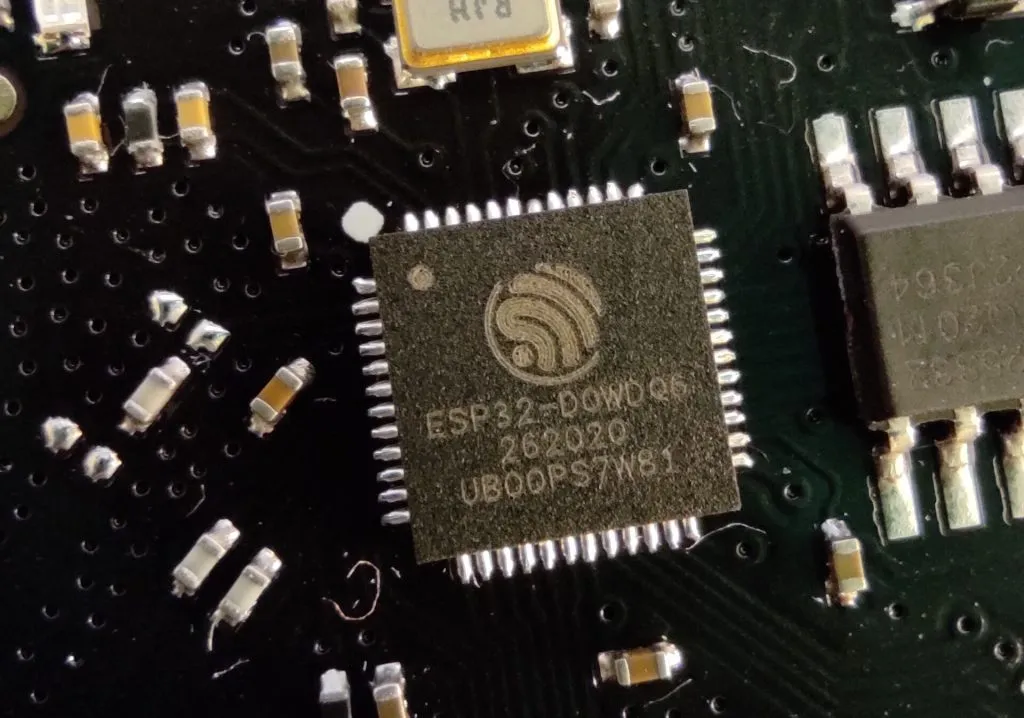 Build of the WeekStudent ESP32 prototype cars warn each other of hazards over radioEast Point College students built two ESP32 prototype vehicles that share hazard warnings over radio. See the sensors and what is undocumented.
Latest projects and guides
 ArduinoArduino IDE Guide to Install, Configure and Upload Code
 Tools & WorkshopHow to Build Your Own 3D Printer With Printable Designs
 Sensors & ModulesWhat a Solenoid Valve Is and How to Control One with Arduino
 Electronics BasicsWhat Is an Integrated Circuit and How Do IC Chips Work
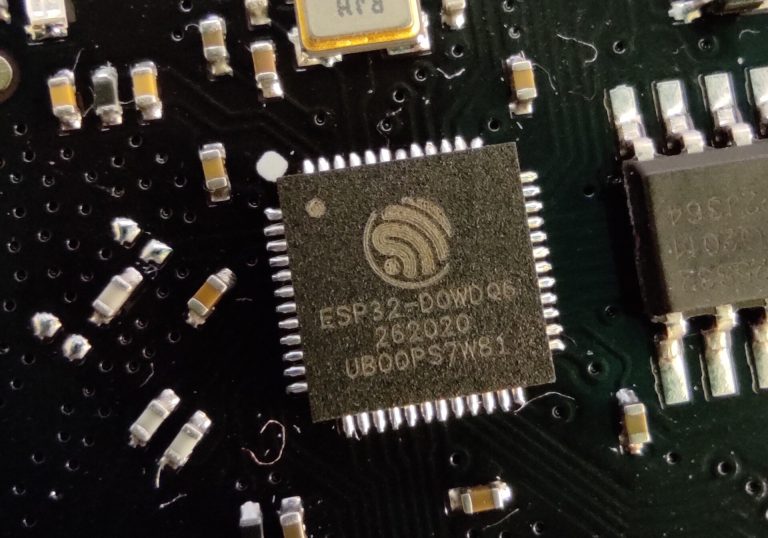 Board NewsAdafruit Metro ESP32-P4 Hydra is an Uno-shaped board with ESP32-C6 WiFi 6 for $34.95
 ESP32 & IoTBest Watchy Cases for the Open Source ESP32 Watch
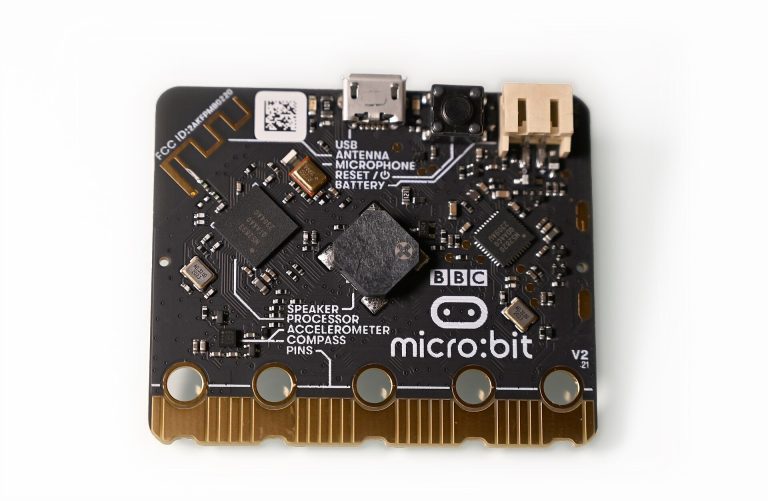 Coding for MakersBBC microbit Complete Beginner Guide to Getting Started
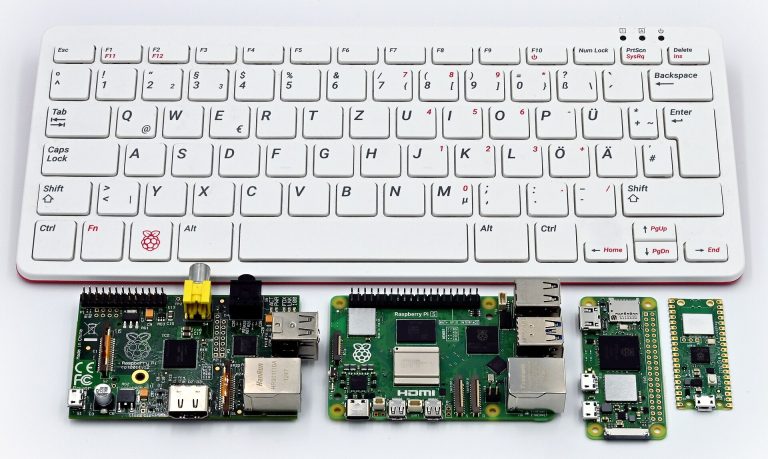 Board NewsRaspberry Pi Desktop for PCs and Macs moves to Debian 13, 64-bit only
 Robot BuildingElectric Motor Parts and What Each One Does Inside
Blink an LED: Your First Arduino Sketch
Blinking an LED is the “hello world” of Arduino. It confirms your board, cable and software all work, and it teaches the basic structure of every sketch.
- Gather the parts: You need an Arduino Uno or compatible board and a USB cable. For an external LED, add a breadboard, a 5 mm LED, a 220 ohm resistor and two jumper wires. The Uno also has a built-in LED on pin 13, so the external parts are optional.
- Install the Arduino IDE: Download Arduino IDE 2 from Arduino’s official website. It is free for Windows, macOS and Linux.
- Wire the LED: Connect the LED’s long leg (anode) to pin 13 through the resistor. Connect the short leg (cathode) to a GND pin.
- Open the Blink example: Go to File > Examples > 01.Basics > Blink. The sketch sets the pin as an output in
setup(). It then switches the pin on and off inloop()usingdigitalWrite()anddelay(1000). - Select your board and port: Plug the board in over USB. Choose your board and its port from the board selector or the Tools menu.
- Upload and experiment: Click the Upload arrow. The LED should turn on for one second and off for one second, repeating. Change the
delay()values to make it blink faster or slower.
Electronics Basics Every Maker Should Know
These twelve terms cover most of what you need to wire an Arduino, Raspberry Pi or ESP32 project with confidence.
| Parameter | Description |
|---|---|
| Voltage | The electrical pressure between two points, measured in volts (V), that pushes current through a circuit. |
| Current | The flow of electric charge, measured in amperes (A), and most microcontroller pins can safely supply only a few tens of milliamps. |
| Resistance | Opposition to current flow, measured in ohms (Ω), which resistors add on purpose to limit current or divide voltage. |
| Ohm’s law | Voltage equals current times resistance (V = I × R), so 5 V across 250 Ω drives 20 mA. |
| Power | Energy used per second, measured in watts (W) and calculated as P = V × I, which tells you whether a resistor or regulator will overheat. |
| Ground | The shared 0 V reference point for every voltage in a circuit, so every connected board and sensor must share it. |
| Pull-up resistor | A resistor, often 10 kΩ, that ties an input pin to the supply voltage so it reads a steady HIGH instead of floating. |
| PWM | Pulse-width modulation switches a pin on and off rapidly, and the percentage of on-time (duty cycle) dims LEDs or sets motor speed. |
| GPIO | General-purpose input/output pins that your code sets as inputs or outputs, running at 5 V on an Arduino Uno and 3.3 V on a Raspberry Pi or ESP32. |
| I2C | A two-wire bus (SDA for data, SCL for clock) where many devices share the same lines and are selected by address. |
| SPI | A faster bus using a clock, two data lines and a chip-select line per device, common for displays and SD cards. |
| UART | Two-wire serial communication with TX and RX crossed between devices, both set to the same baud rate, such as 115200. |
Frequently asked questions
What is the difference between Arduino and Raspberry Pi?
A classic Arduino is a microcontroller. It runs one program, starts the moment you power it, and handles sensors and motors with precise timing. A Raspberry Pi 4 or 5 is a full Linux computer, so it suits camera projects, dashboards and home servers better. Many robots use both: the Pi does the planning and the Arduino drives the motors.
Should a beginner start with Arduino or ESP32?
An Uno-style Arduino is the easiest place to start, because most tutorials, shields and 5V parts are written for it. If your first project needs Wi-Fi or Bluetooth, get an ESP32 instead. You program it in the same Arduino IDE, but it uses 3.3V logic.
How much does a Raspberry Pi 5 cost right now?
That depends on how much RAM you want. The Raspberry Pi 5 starts at $45 (1GB), and the Raspberry Pi 5 2GB is $77.50 after a rise on October 1, 2026. The 16GB Raspberry Pi 5 went from $120 to $305, and Raspberry Pi blames the increases on higher memory costs.
Can I connect 5V sensors directly to an ESP32 or Raspberry Pi?
No. The ESP32 operates at 3.3 V, and its GPIO pins are not 5 V tolerant. The Raspberry Pi’s GPIO pins also run at 3.3V. Put a level shifter or a voltage divider on any 5V signal line.
What is the Arduino UNO Q?
It is the first board Arduino released after joining Qualcomm. It combines a Linux Debian-capable Qualcomm Dragonwing QRB2210 microprocessor (MPU) interconnected with a real-time STM32U585 microcontroller (MCU), so one board does the jobs of both a Pi and an Arduino. The 2GB version was reported at $44 when it launched. We have not confirmed what it sells for today.
What is the cheapest board for learning electronics?
The Raspberry Pi Pico 2 is the cheapest official option. Pico 2 is on sale now, priced at $5. The Wi-Fi version, Pico 2 W, is a $7 wireless microcontroller board. Both boards run MicroPython, which makes them a cheap first step before you buy a full Raspberry Pi.
Board release tracker
Open the trackerCONFIRMED
Adafruit Metro ESP32-P4 Hydra is an Uno-shaped board with ESP32-C6 WiFi 6 for $34.95CONFIRMED
Raspberry Pi Desktop for PCs and Macs moves to Debian 13, 64-bit onlyCONFIRMED
Arduino App Lab 0.11 adds frozen release bundles and phone sensor streamingCONFIRMED
ESP-Mosaico dev kit goes on sale: ESP32-S31, touchscreen and plug-in modules