By Wren Calloway Fact-checked by Hugo Lindgren Published
BUILD
What it is
The Pinscope team’s ESP32 “done light” is meant to let you see the state of a remote-access session or job without walking over to check. Hackaday featured it on 2026-11-27 in “ESP32 Remote Access Done Light,” written by Zoe Skyforest. Most of the build is the remote-access firmware behind the light. Pinscope publishes that device-side code on GitHub as pinscope-dev/pinscope-esp.
How it works
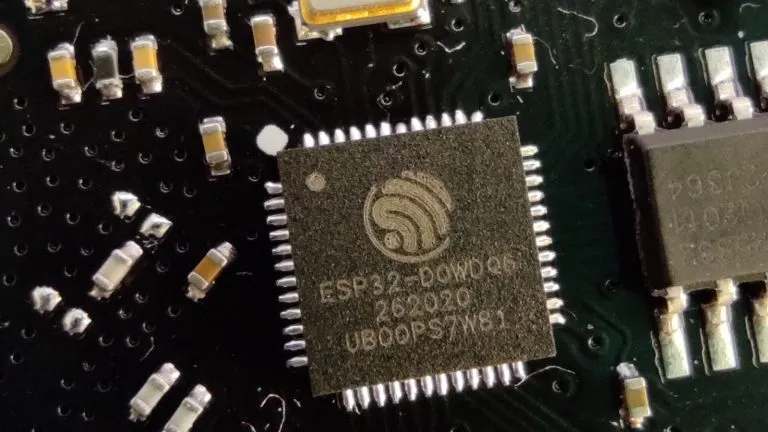
Board: An ESP32 running the Pinscope firmware component. The sources we read list no sensors or motors. The Hackaday excerpt we could check also did not describe the light hardware, so we can’t confirm which LEDs, wiring or enclosure the team used.
The connection: According to Hackaday, the ESP32 didn’t have enough spare RAM to run TLS alongside its other tasks. The team used a Noise-protocol connection instead (Noise_NK_25519_ChaChaPoly_SHA256). Hackaday reports this took about 9.4 KB of RAM, compared with 23.6 KB for TLS. That RAM saving is the main engineering idea in the build.
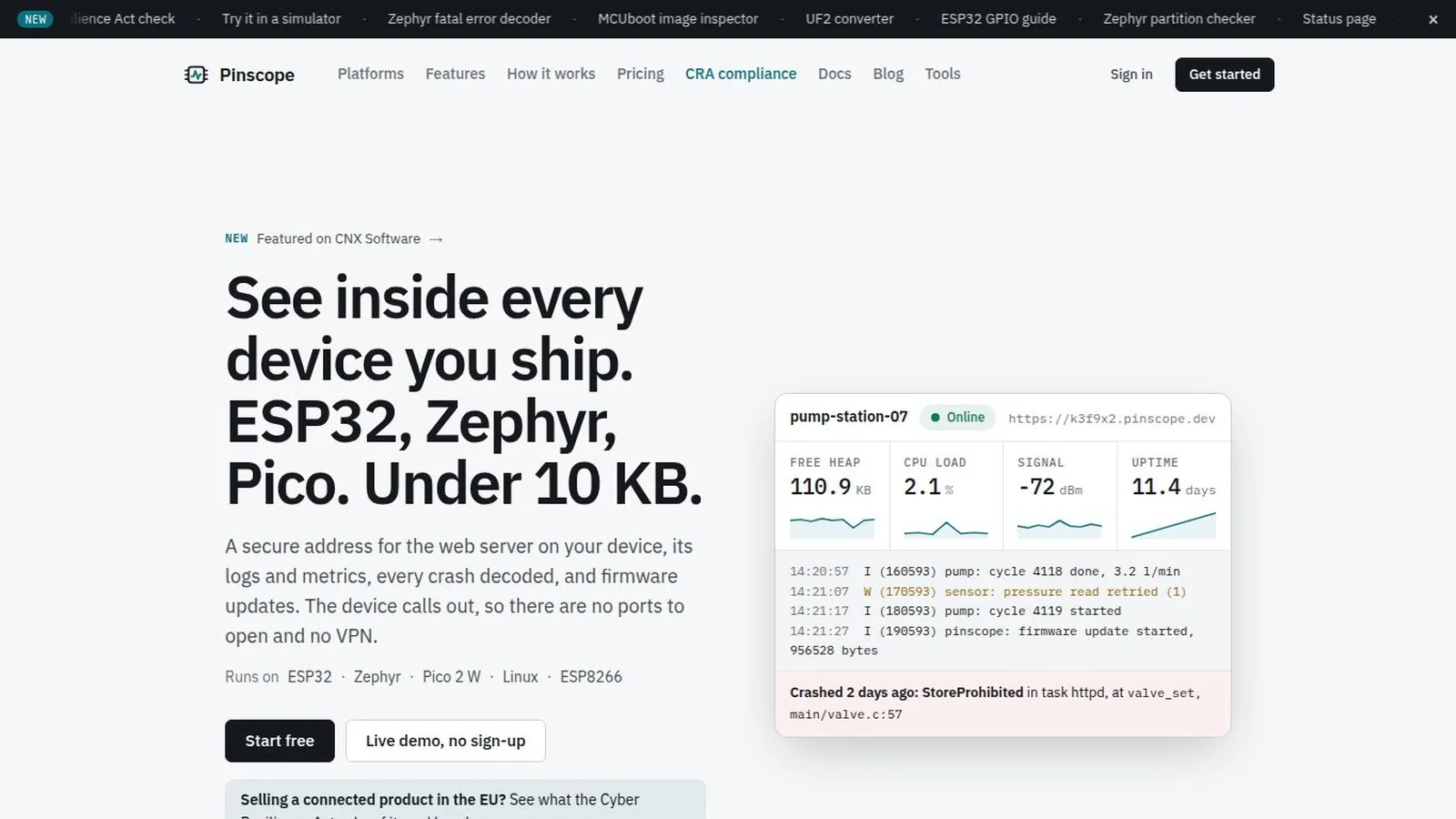
The code: The GitHub repo describes pinscope-esp as giving an ESP32:
- its own HTTPS address
- live logs
- metrics
- decoded crash reports
- OTA updates
The repo says all of that fits in 9.4 KB of RAM. It also says there’s no TLS library on the device. It uses a Noise handshake (X25519) with ChaCha20-Poly1305 instead. The component works with ESP-IDF, Arduino and PlatformIO.
The service: CNX Software covered Pinscope on 2026-11-25. It described Pinscope as a web-based remote access and vulnerability tracking service for ESP32, Zephyr, Pico 2 W and Linux single-board computers. CNX Software reports that the server side is closed source. Only the device code is public, and that code is source-available, not open source.
Parts list
| Part | Role | Rough price |
|---|---|---|
| ESP32 development board | Runs your job and the Pinscope component | A few dollars |
| pinscope-esp firmware component | Remote access, logs, metrics, crash reports, OTA | Free to download (source-available) |
| Pinscope account | Server side that the device connects to | Pinscope’s site lists a free plan |
| LED and resistor (our suggestion, not confirmed from the original) | A local visual “done” signal | Pennies |
| USB cable | Power and first flash | Usually already in the drawer |
How to build your own
Difficulty: Beginner to intermediate. You add a firmware component to an existing ESP-IDF, Arduino or PlatformIO project rather than building hardware from scratch.
Time: About an evening, by our estimate, if your toolchain is already set up.
Skills: Flashing an ESP32, adding a library or component to a project, and basic GPIO if you add a light.
Steps (high level):
- Pick an ESP32 board and get a basic sketch or ESP-IDF project building and flashing.
- Add pinscope-esp by following the instructions in the pinscope-dev/pinscope-esp repo for your framework (ESP-IDF, Arduino or PlatformIO).
- Set up a Pinscope account. The site lists a free plan.
- Flash the board and confirm that logs and metrics reach the Pinscope side.
- Decide what “done” means for your job, such as a print finishing, a sensor run ending or a script exiting. Have your code log or report that state.
- Optional, and our idea rather than a detail from the original: drive an LED from a GPIO pin so the board also shows the job state locally. Off, blinking and solid on can mean idle, running and done.
Check Hackaday’s article and Pinscope’s own write-ups for how the team handled the light itself. We couldn’t verify those details.
What we would change
- Document the light hardware. The remote-access side is well described. The “done light” part was hard to pin down from what we could read. A short wiring note and photo would help people copy it.
- Offer a self-hosted path. Only the device code is public and the server is closed source, so the build depends on Pinscope’s service staying available. A self-hostable server option would make it a safer choice for long-running projects.
- Consider simpler options for simple jobs. One Hackaday commenter suggested public/private keys or TOTP as simpler approaches. That’s a reader comment, not a tested claim. Still, if all you need is a single “done” signal, a lighter setup may be enough.
Credit
This build is by the Pinscope team (GitHub org pinscope-dev). We didn’t build it. The original write-ups live on pinscope.dev, in the pinscope-dev/pinscope-esp GitHub repo, and on Hackster.io under the account pinscope_dev, in a project titled “Reach your ESP32’s web page from anywhere, plus logs and OTA.” Hackaday’s coverage, “ESP32 Remote Access Done Light,” is by Zoe Skyforest. Background on the Pinscope service comes from CNX Software.
Notes on this article
- Fact-checked by Hugo Lindgren before publication.
- Published
Fact-checking
- Every claim is checked by Hugo Lindgren; anything we cannot confirm is corrected, labelled or removed.