By Wren Calloway Fact-checked by Hugo Lindgren Published
BUILD
What it is
Maker Chad Boughton has hooked an IBM-style MDA (Monochrome Display Adapter) monitor up to an ESP32-based wireless terminal, Hackaday reports. The result is a green-and-black, text-only screen that works as a modern networked terminal. It shows a command line styled after IBM OfficeVision and can even control a Plex server.
How it works
The display standard. MDA was IBM’s original 1981 monochrome adapter. It has no pixel-addressable graphics, only a single 80×25 text mode. That limitation suits a terminal, which only needs rows of text.
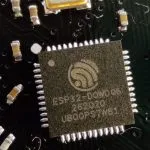
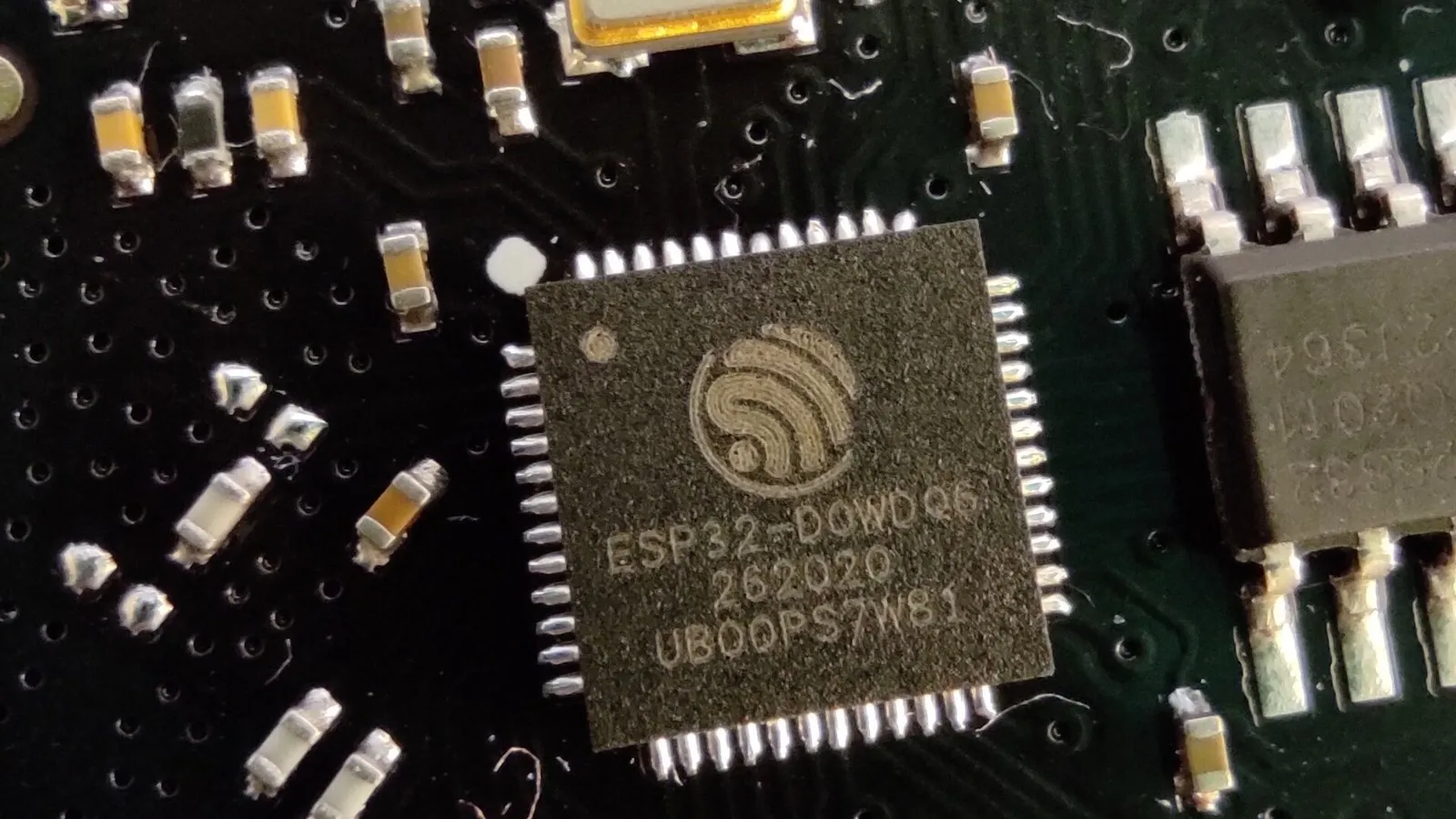
The board. According to Hackaday, the build uses an ESP32 dev board that already has PS/2 keyboard input and VGA output. The keyboard plugs straight in. The video side needs more work.
The signal problem. VGA output doesn’t match what an MDA monitor expects. An MDA monitor wants TTL-level digital signals, while VGA uses analog color levels and different timings. Boughton added a small hardware bodge to bridge the gap. Hackaday says the rest of the conversion happens in software.
The timing. Fixed-frequency monitors like MDA are picky about sync timing. Hackaday notes that getting the timings right took trial and error with an oscilloscope.
The code. The MDA output is built into Boughton’s fork of FabGL’s terminal, which is published on GitHub. FabGL is an ESP32 library for VGA output, PS/2 input and terminal emulation, so it already handled the keyboard and terminal side. The fork adds the MDA video path. On top of that sit the OfficeVision-style command-line interface and the Plex control features.
Parts list
The sources we reached don’t give costs. The prices below are our own rough estimates and will vary by region and seller.
| Part | Role | Rough price (our estimate) |
|---|---|---|
| ESP32 dev board with VGA and PS/2 ports | Runs the terminal firmware, Wi-Fi, keyboard input and video output | About $10–25 |
| Small bodge components | Convert the board’s VGA output to the TTL signals an MDA monitor expects | A few dollars |
| IBM-style MDA monitor | The retro text display | Varies widely; vintage market pricing |
| PS/2 keyboard | Text input | Cheap used; often under $15 |
| Power supply / USB cable | Powers the ESP32 board | Likely already in your drawer |
| Oscilloscope (tool) | Checking and tuning video timings | Borrow one, or use one you already own |
How to build your own
- Difficulty: Intermediate to advanced. The software is mostly ready-made, but the signal bodge and timing work need some comfort with hardware.
- Time: Not stated in the sources. Expect most of it to go into timing and troubleshooting rather than assembly.
- Skills: Flashing ESP32 firmware, basic soldering, reading video signals on an oscilloscope, and some patience with vintage hardware.
Steps at a high level:
- Get the hardware. You need an ESP32 dev board with VGA and PS/2, a PS/2 keyboard and an MDA monitor that works.
- Study the original. Read Boughton’s FabGL fork on GitHub for the specifics of the bodge and the firmware setup. We haven’t reproduced those details here. Follow his documentation rather than our summary.
- Build the bodge. Add the small circuit between the board’s video output and the monitor so it receives the TTL signals it expects.
- Flash the firmware. Build and upload the forked FabGL terminal to the ESP32.
- Tune the timings. Use an oscilloscope to check the sync and video signals, and adjust until the monitor locks on and shows a stable image.
- Connect and configure. Plug in the keyboard, set up Wi-Fi, and try the terminal and the extra features, such as Plex control.
What we would change
- Publish known-good timing values. The oscilloscope trial and error is the hardest part to repeat. A documented set of working timings, plus notes on how much MDA monitors vary, would make the build open to people without a scope.
- A clear bodge schematic. If one isn’t already in the repo, a simple diagram of the conversion circuit would help a lot.
- Protect the monitor. Fixed-frequency vintage monitors can be stressed by bad sync signals. We’d add a warning to check signals before connecting an irreplaceable display.
- An enclosure. A small case for the ESP32 and bodge board, mounted to the back of the monitor, would turn it into a tidy desk terminal.
Credit
This build is the work of Chad Boughton. We didn’t build it. The MDA support lives in his fork of FabGL, published on GitHub, and the project was reported by Hackaday. The details here are based on Hackaday’s coverage. Head to Boughton’s GitHub repository for the original code and specifics.
Notes on this article
- Fact-checked by Hugo Lindgren before publication.
- Published
Fact-checking
- Every claim is checked by Hugo Lindgren; anything we cannot confirm is corrected, labelled or removed.